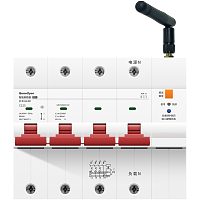
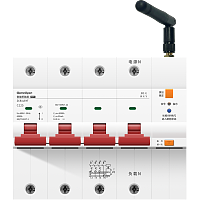
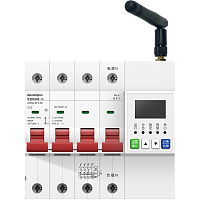
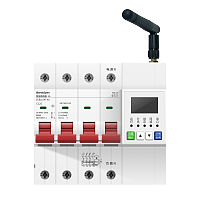
远程控制设备通断电
controller-event
指令简介
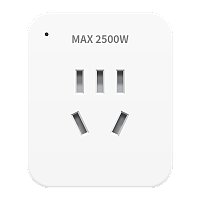
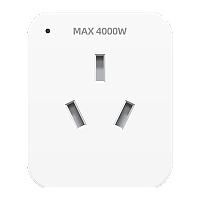
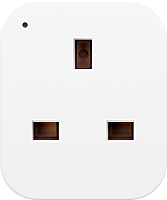
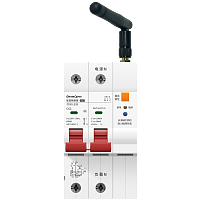
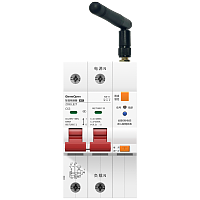
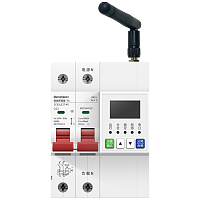
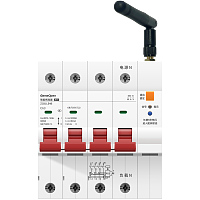
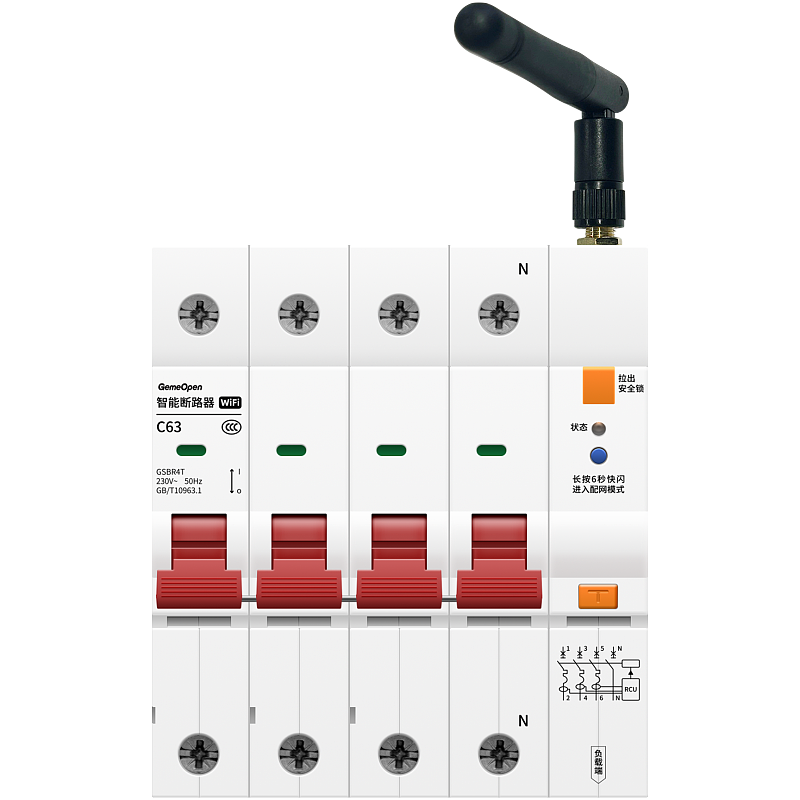
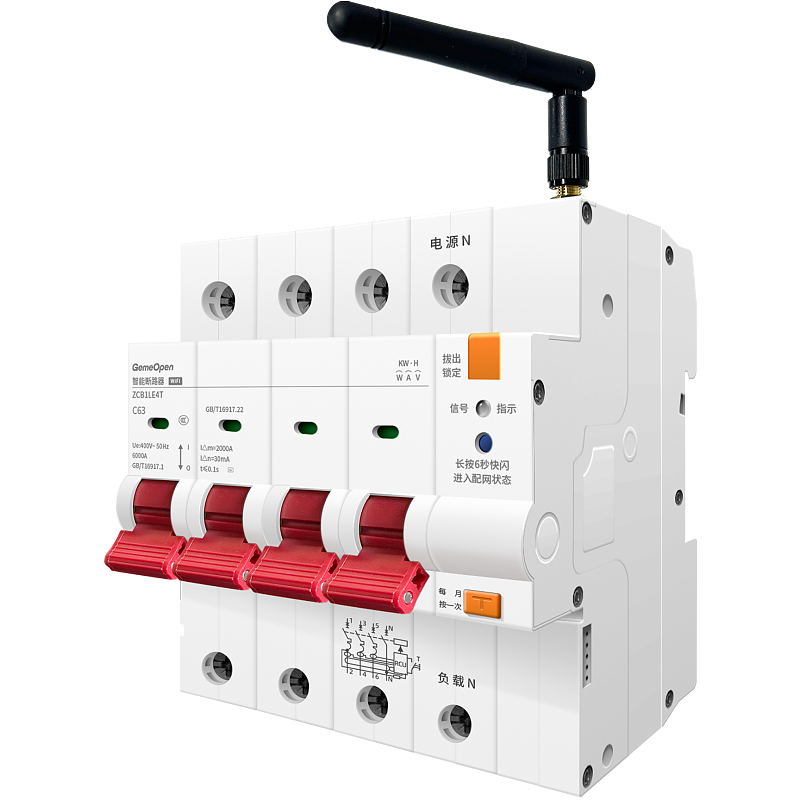
通断器、空开、10A-86插座、16A-86插座、10A转换器插座、16A转换器插座等单路设备的通电或断电操作
向设备发送指令
服务端向设备订阅topic发送消息
{
"key" : 0,
"type" : "event"
}
字段属性
| # |
字段名称 |
字段类型 |
字段说明 |
示例值 |
| 1 |
key |
int |
插座通断电状态,0:断电,1:通电 |
0 |
| 2 |
type |
String |
控制设备开合闸固定传"event" |
event |
{
"bssid" : "742ad7790468",
"channel" : 6,
"code" : "GSBR4T",
"commandName" : "controller-event",
"ip" : "192.168.0.3",
"key" : 0,
"keyLock" : 0,
"mac" : "e868e7637a41",
"signal" : -40,
"source" : "command",
"ssid" : "gemeopen",
"timerEnable" : 0,
"timerInterval" : 10,
"version" : "1.3.11",
"wifiLock" : 0
}
字段属性
| # |
字段名称 |
字段类型 |
字段说明 |
示例值 |
| 1 |
bssid |
String |
路由器 MAC 地址 |
742ad7790468 |
| 2 |
channel |
int |
路由器信道 |
6 |
| 3 |
code |
String |
设备型号代码 |
GSBR4T |
| 4 |
commandName |
String |
指令名称 |
controller-event |
| 5 |
ip |
String |
设备连接WIFI后获取的IP |
192.168.0.3 |
| 6 |
key |
int |
设备通断电状态,0:断电,1:通电 |
0 |
| 7 |
keyLock |
int |
按键锁,0:关闭,1:开启 |
0 |
| 8 |
mac |
String |
wifi设备mac地址,唯一标识 |
e868e7637a41 |
| 9 |
signal |
int |
信号强度,显示规则为: signal<= 0 && signal>= -50
//信号最好 signal< -50 && signal>= -70
//信号较好 signal< -70 && signal>= -80
//信号一般 signal<-80 && signal>= -100
//信号较差 signal没有在0~(-100)之间,表示无信号 |
-40 |
| 10 |
source |
String |
指令回复“command" |
command |
| 11 |
ssid |
String |
设备当前连接的WIFI名称 |
gemeopen |
| 12 |
timerEnable |
int |
设备统计信息定时上报状态,0:关闭;1:开启 |
0 |
| 13 |
timerInterval |
int |
设备统计信息上报时间间隔(单位秒),取值范围5-86400 |
10 |
| 14 |
version |
String |
当前固件版本号 |
1.3.11 |
| 15 |
wifiLock |
int |
配网锁,0:关闭,1:开启 |
0 |
漏电测试
controller-leaktest
指令简介
该指令只针对带漏电保护的设备使用。
向设备发送指令
服务端向设备订阅topic发送消息
{
"leaktest" : 1,
"type" : "setting"
}
字段属性
| # |
字段名称 |
字段类型 |
字段说明 |
示例值 |
| 1 |
leaktest |
int |
漏电时是否跳闸,1:跳闸,0:不跳闸 |
1 |
| 2 |
type |
String |
设备设置固定传“setting” |
setting |
{"error":0}
字段属性
| # |
字段名称 |
字段类型 |
字段说明 |
示例值 |
| 1 |
error |
int |
0,无告警;1,短路告警;2,浪涌告警;4,过载告警;8,漏电告警;16,温度异常告警;32,打火告警;64,高功率告警;128,漏电自检不正常;256,过流告警;512,三相电流不平衡告警;1024,过压告警;2048,欠压告警;4096,三相缺相告警;8192,停电事件告警;16384,磁影响告警;32768,余额不足告警;65535,欠费告警; |
0 |
设置数据自动上报频率
device-timer-interval
指令简介
设置定时上报电量信息
向设备发送指令
服务端向设备订阅topic发送消息
{
"timerEnable" : 1,
"timerInterval" : 15,
"type" : "setting"
}
字段属性
| # |
字段名称 |
字段类型 |
字段说明 |
示例值 |
| 1 |
timerEnable |
int |
设备电量信息定时上报状态,0:关闭;1:开启 |
1 |
| 2 |
timerInterval |
int |
电量信息上报时间间隔(单位秒),取值范围5-86400 |
15 |
| 3 |
type |
String |
设备设置固定传"setting" |
setting |
{
"bssid" : "742ad7790468",
"code" : "GSBR4T",
"commandName" : "device-timer-interval",
"ip" : "192.168.0.3",
"key" : 0,
"keyLock" : 0,
"mac" : "e868e7637a41",
"signal" : -41,
"source" : "command",
"ssid" : "gemeopen",
"timerEnable" : 0,
"timerInterval" : 15,
"version" : "1.3.11",
"wifiLock" : 0
}
字段属性
| # |
字段名称 |
字段类型 |
字段说明 |
示例值 |
| 1 |
bssid |
String |
路由器 MAC 地址 |
742ad7790468 |
| 2 |
code |
String |
设备型号代码 |
GSBR4T |
| 3 |
commandName |
String |
指令名称 |
device-timer-interval |
| 4 |
ip |
String |
设备连接WIFI后获取的IP |
192.168.0.3 |
| 5 |
key |
int |
设备通断电状态,0:断电,1:通电 |
0 |
| 6 |
keyLock |
int |
按键锁,0:关闭,1:开启 |
0 |
| 7 |
mac |
String |
wifi设备mac地址,唯一标识 |
e868e7637a41 |
| 8 |
signal |
int |
信号强度,显示规则为: signal<= 0 && signal>= -50
//信号最好 signal< -50 && signal>= -70
//信号较好 signal< -70 && signal>= -80
//信号一般 signal<-80 && signal>= -100
//信号较差 signal没有在0~(-100)之间,表示无信号 |
-41 |
| 9 |
source |
String |
指令回复“command" |
command |
| 10 |
ssid |
String |
设备当前连接的WIFI名称 |
gemeopen |
| 11 |
timerEnable |
int |
设备统计信息定时上报状态,0:关闭;1:开启 |
0 |
| 12 |
timerInterval |
int |
设备统计信息上报时间间隔(单位秒),取值范围5-86400 |
15 |
| 13 |
version |
String |
当前固件版本号 |
1.3.11 |
| 14 |
wifiLock |
int |
配网锁,0:关闭,1:开启 |
0 |
用电数据自动上报
device-timer-task
指令简介
此项非主动下发的指令,只展示用户开启定时上报任务后,定时返回的消息样式
向设备发送指令
服务端向设备订阅topic发送消息
{
"commandName" : "device-timer-task",
"current" : 15027,
"current_B" : 15027,
"current_C" : 15027,
"energy" : 25047,
"key" : 0,
"mac" : "e868e7637a41",
"power" : 29210,
"power_B" : 29210,
"power_C" : 29210,
"source" : "command",
"voltage" : 2262,
"voltage_B" : 2260,
"voltage_C" : 2260
}
字段属性
| # |
字段名称 |
字段类型 |
字段说明 |
示例值 |
| 1 |
commandName |
String |
指令名称 |
device-timer-task |
| 2 |
current |
float |
A相当前电流,15027表示当前电流为15.027A |
15027 |
| 3 |
current_B |
int |
B相当前电流,有值则显示,数值含义同A相 |
15027 |
| 4 |
current_C |
int |
C相当前电流,有值则显示,数值含义同A相 |
15027 |
| 5 |
energy |
float |
合相计量,25047表示合相计量为:250.47kwh |
25047 |
| 6 |
key |
int |
设备通断电状态,0:断电,1:通电 |
0 |
| 7 |
mac |
String |
wifi设备mac地址,唯一标识 |
e868e7637a41 |
| 8 |
power |
float |
A相当前功率,29210表示当前功率为29210W |
29210 |
| 9 |
power_B |
int |
B相当前功率,有值则显示,数值含义同A相 |
29210 |
| 10 |
power_C |
int |
C相当前功率,有值则显示,数值含义同A相 |
29210 |
| 11 |
source |
String |
指令回复“command" |
command |
| 12 |
voltage |
float |
A相当前电压,2262表示当前电压为226.2V |
2262 |
| 13 |
voltage_B |
int |
B相当前电压,有值则显示,数值含义同A相 |
2260 |
| 14 |
voltage_C |
int |
C相当前电压,有值则显示,数值含义同A相 |
2260 |
获取设备基础信息
info-all
指令简介
获取设备信息一般会包含:设备通断电状态、MAC/IMEI、固件版本、设备内网IP地址、设备WIFI网络名称等信息,不同的产品返回的信息有所差异
向设备发送指令
服务端向设备订阅topic发送消息
{
"type" : "info"
}
字段属性
| # |
字段名称 |
字段类型 |
字段说明 |
示例值 |
| 1 |
type |
String |
获取设备基本信息固定传"info" |
info |
{
"bssid" : "742ad7790468",
"channel" : 6,
"code" : "GSBR4T",
"commandName" : "info-all",
"ip" : "192.168.0.3",
"key" : 0,
"keyLock" : 0,
"mac" : "e868e7637a41",
"signal" : -35,
"source" : "command",
"ssid" : "gemeopen",
"timerEnable" : 0,
"timerInterval" : 10,
"version" : "1.3.11",
"wifiLock" : 0
}
字段属性
| # |
字段名称 |
字段类型 |
字段说明 |
示例值 |
| 1 |
bssid |
String |
路由器 MAC 地址 |
742ad7790468 |
| 2 |
channel |
int |
路由器信道 |
6 |
| 3 |
code |
String |
设备型号代码 |
GSBR4T |
| 4 |
commandName |
String |
指令名称 |
info-all |
| 5 |
ip |
String |
设备连接WIFI后获取的IP |
192.168.0.3 |
| 6 |
key |
int |
设备通断电状态,0:断电,1:通电 |
0 |
| 7 |
keyLock |
int |
按键锁,0:关闭,1:开启 |
0 |
| 8 |
mac |
String |
wifi设备mac地址,唯一标识 |
e868e7637a41 |
| 9 |
signal |
int |
信号强度,显示规则为: signal<= 0 && signal>= -50
//信号最好 signal< -50 && signal>= -70
//信号较好 signal< -70 && signal>= -80
//信号一般 signal<-80 && signal>= -100
//信号较差 signal没有在0~(-100)之间,表示无信号 |
-35 |
| 10 |
source |
String |
指令回复“command" |
command |
| 11 |
ssid |
String |
设备当前连接的WIFI名称 |
gemeopen |
| 12 |
timerEnable |
int |
设备统计信息定时上报状态,0:关闭;1:开启 |
0 |
| 13 |
timerInterval |
int |
设备统计信息上报时间间隔(单位秒),取值范围5-86400 |
10 |
| 14 |
version |
String |
当前固件版本号 |
1.3.11 |
| 15 |
wifiLock |
int |
配网锁,0:关闭,1:开启 |
0 |
获取设备剩余电量
info-chargeenergy
指令简介
该指令只针对开启了预付费功能的设备有效。
向设备发送指令
服务端向设备订阅topic发送消息
{
"type" : "chargeenergy"
}
字段属性
| # |
字段名称 |
字段类型 |
字段说明 |
示例值 |
| 1 |
type |
String |
设备设置固定传“chargeenergy” |
chargeenergy |
{
"chargeenergy" : 0,
"commandName" : "info-chargeenergy",
"source" : "command"
}
字段属性
| # |
字段名称 |
字段类型 |
字段说明 |
示例值 |
| 1 |
chargeenergy |
int |
“12”为剩余电量,即剩余12KWH电量可用 |
0 |
| 2 |
commandName |
String |
指令名称 |
info-chargeenergy |
| 3 |
source |
String |
指令回复“command" |
command |
获取设备统计信息
info-statistic
指令简介
获取设备采集的累积电量、实时电压、实时电流、实时功率信息,注意不同的设备数值单位有区别,取决于设备设计的精度
向设备发送指令
服务端向设备订阅topic发送消息
{
"type" : "statistic"
}
字段属性
| # |
字段名称 |
字段类型 |
字段说明 |
示例值 |
| 1 |
type |
String |
获取设备电量信息固定传"statistic" |
statistic |
{
"commandName" : "info-statistic",
"current" : 15027,
"current_B" : 15027,
"current_C" : 15027,
"energy" : 25047,
"key" : 0,
"mac" : "e868e7637a41",
"power" : 29210,
"power_B" : 29210,
"power_C" : 29210,
"source" : "command",
"voltage" : 2262,
"voltage_B" : 2260,
"voltage_C" : 2260
}
字段属性
| # |
字段名称 |
字段类型 |
字段说明 |
示例值 |
| 1 |
commandName |
String |
指令名称 |
info-statistic |
| 2 |
current |
float |
A相当前电流,15027表示当前电流为15.027A |
15027 |
| 3 |
current_B |
int |
B相当前电流,有值则显示,数值含义同A相 |
15027 |
| 4 |
current_C |
int |
C相当前电流,有值则显示,数值含义同A相 |
15027 |
| 5 |
energy |
float |
合相计量,25047表示合相计量为:250.47kwh |
25047 |
| 6 |
key |
int |
设备通断电状态,0:断电,1:通电 |
0 |
| 7 |
mac |
String |
wifi设备mac地址,唯一标识 |
e868e7637a41 |
| 8 |
power |
float |
A相当前功率,29210表示当前功率为29210W |
29210 |
| 9 |
power_B |
int |
B相当前功率,有值则显示,数值含义同A相 |
29210 |
| 10 |
power_C |
int |
C相当前功率,有值则显示,数值含义同A相 |
29210 |
| 11 |
source |
String |
指令回复“command" |
command |
| 12 |
voltage |
float |
A相当前电压,2262表示当前电压为226.2V |
2262 |
| 13 |
voltage_B |
int |
B相当前电压,有值则显示,数值含义同A相 |
2260 |
| 14 |
voltage_C |
int |
C相当前电压,有值则显示,数值含义同A相 |
2260 |
获取设备板载温度
info-temperature
指令简介
触发该指令可以查询设备板载温度,如"temperature": 290,及温度:29.0℃
向设备发送指令
服务端向设备订阅topic发送消息
{
"type" : "temperature"
}
字段属性
| # |
字段名称 |
字段类型 |
字段说明 |
示例值 |
| 1 |
type |
String |
获取设备板载温度固定传"temperature"。 |
temperature |
{
"temperature": 290,
"mac": "e868e7637a41",
"ip": "192.168.0.3",
"source": "command",
"commandName": "info-temperature"
}
字段属性
| # |
字段名称 |
字段类型 |
字段说明 |
示例值 |
| 1 |
commandName |
String |
指令名称 |
info-temperature |
| 2 |
ip |
String |
设备连接WIFI后获取的IP |
192.168.0.3 |
| 3 |
mac |
String |
wifi设备mac地址,唯一标识 |
e868e7637a41 |
| 4 |
source |
String |
指令回复“command" |
command |
| 5 |
temperature |
float |
温度 (单位:摄氏度) |
290 |