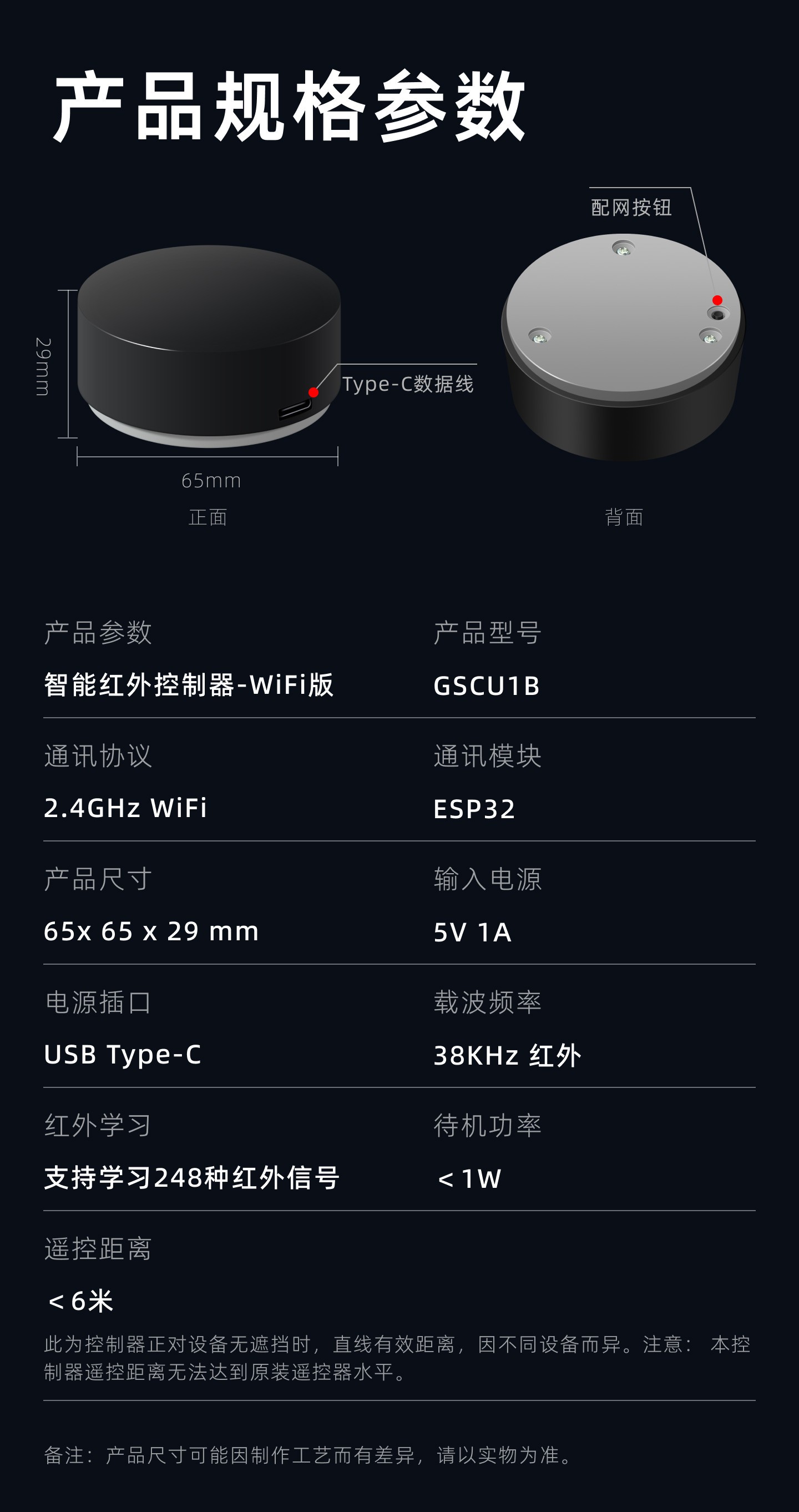
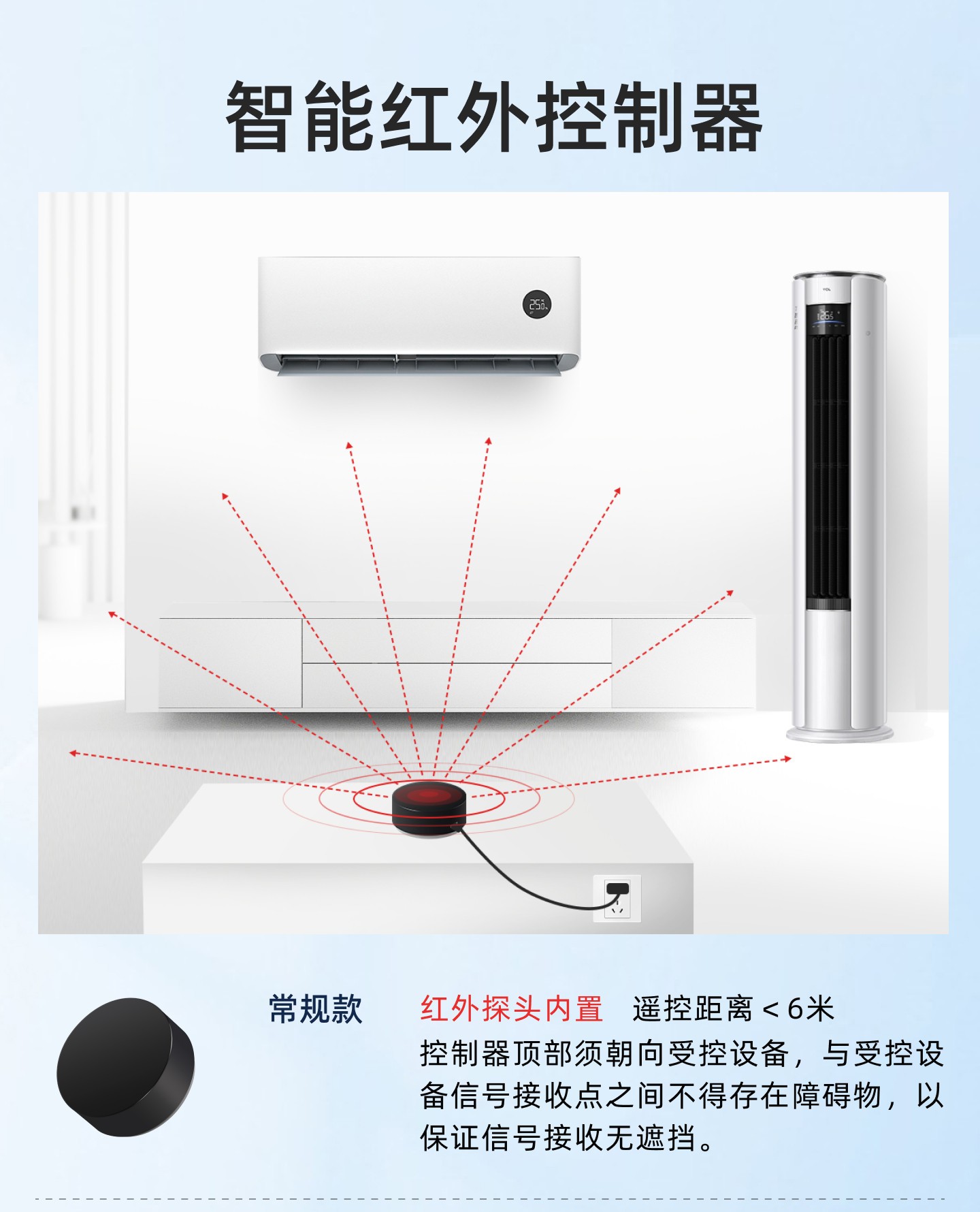
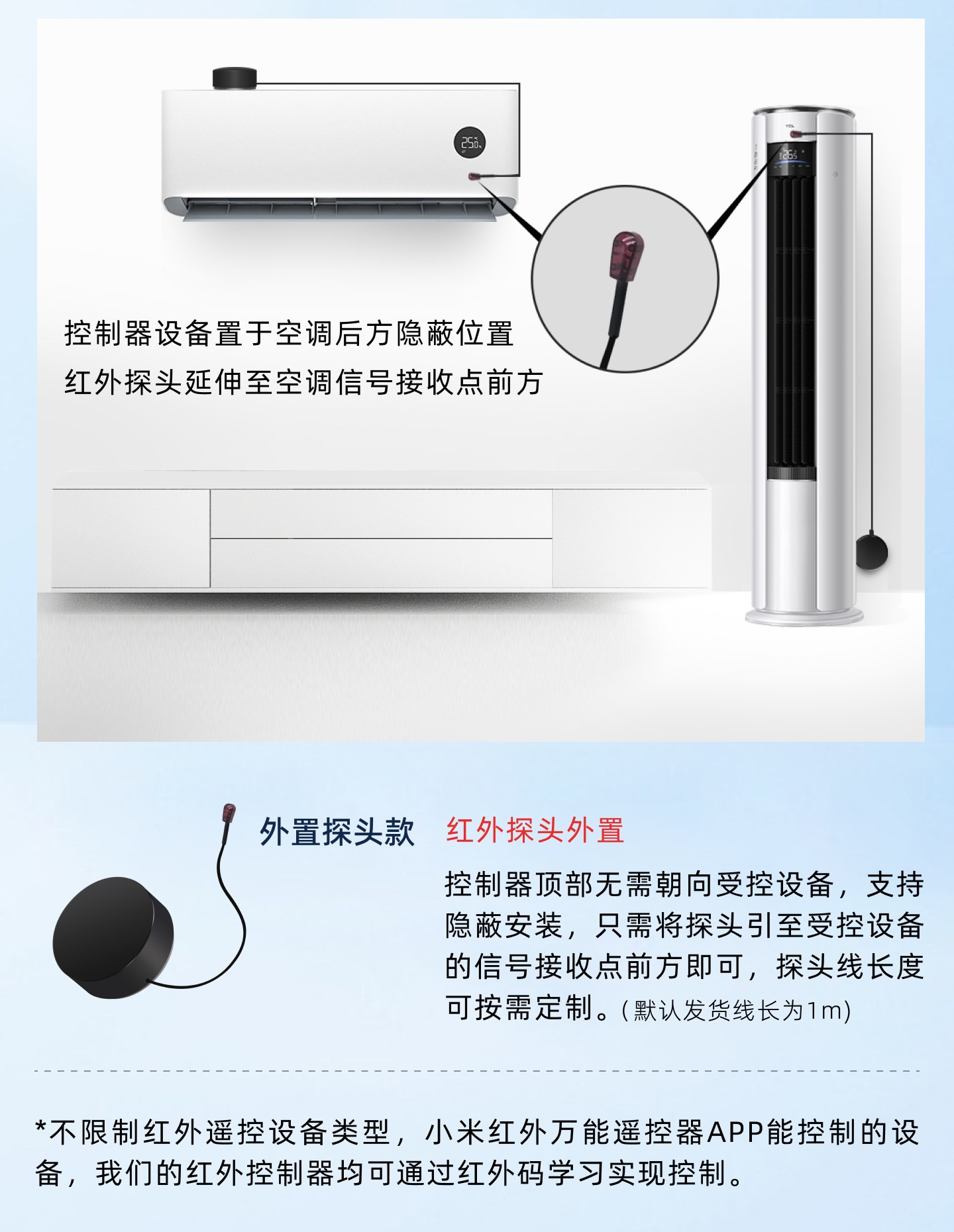
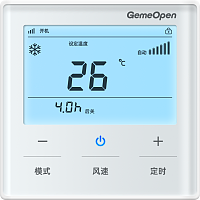
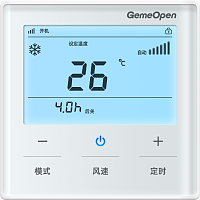
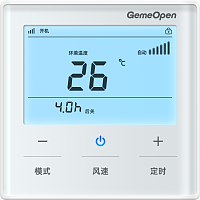
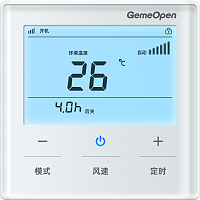
发射红外码
统一指令:controller-infrared-emit
发送对应学习过的红外码指令。
向设备发送指令 服务端向设备订阅topic发送消息
{
"action" : "emit",
"data" :
{
"no" : 110
},
"type" : "infrared"
}
设备返回信息 设备向服务端订阅topic上报消息
{
"action" : "emit",
"mac" : "10b41d1a2f40",
"messageId" : "2026092201",
"no" : 110,
"success" : true,
"type" : "infrared"
}
学习红外码
统一指令:controller-infrared-learn
通过该指令可以学习遥控器发射出来的红外信号
向设备发送指令 服务端向设备订阅topic发送消息
{
"action" : "learn",
"data" :
{
"no" : 110
},
"type" : "infrared"
}
设备返回信息 设备向服务端订阅topic上报消息
{
"action" : "learn",
"mac" : "10b41d1a2f40",
"messageId" : " 2026092201",
"no" : 110,
"success" : true,
"type" : "infrared"
}
读取红外码
统一指令:controller-infrared-read
读取指定编号的红外码数据。
向设备发送指令 服务端向设备订阅topic发送消息
{
"action" : "ir_read",
"data" :
{
"no" : 100
},
"messageId" : "API-xxx",
"type" : "infrared"
}
设备返回信息 设备向服务端订阅topic上报消息
{
"commandName" : "controller-infrared-read",
"ir_data" : "00495D2D0606060506060606060506060606060605110611051106110511061006110610060606060606060506060606061006060610061106100611061006110606061006FFFFFFFF",
"mac" : "10b41d1a2f40",
"message" : "ok",
"messageId" : "API-xxx",
"no" : 100,
"source" : "command",
"success" : true
}
写入红外码
统一指令:controller-infrared-write
往指定编号的红外编号写入红外数据
向设备发送指令 服务端向设备订阅topic发送消息
{
"action" : "ir_write",
"ir_data" : "00495D2D0606060506060606060506060606060605110611051106110511061006110610060606060606060506060606061006060610061106100611061006110606061006FFFFFFFF",
"messageId" : "API-xxx",
"no" : 110,
"type" : "infrared"
}
设备返回信息 设备向服务端订阅topic上报消息
{
"commandName" : "controller-infrared-write",
"mac" : "10b41d1a2f40",
"message" : "ok",
"messageId" : "API-xxx",
"no" : 110,
"source" : "command",
"success" : true
}
获取设备基础信息
统一指令:info-all
查询当前设备的基础信息,如设备MAC地址、设备型号、固件版本号、当前连接的WiFi名称(ssid)、当前设备被分配的IP地址、WiFi信号强度及相关配置信息。
向设备发送指令 服务端向设备订阅topic发送消息
{
"messageId" : "2026092201",
"type" : "info"
}
设备返回信息 设备向服务端订阅topic上报消息
{
"code" : "Infrared-Controller-wifi",
"ip" : "192.168.0.223",
"mac" : "10b41d1a2f40",
"messageId" : "2026092201",
"signal" : -45,
"ssid" : "gemeopen",
"type" : "info",
"version" : "1.1.6",
"wifiLock" : 0
}